Stream music to existing Hi-Fi with the Pure Jongo A2

JongoA2

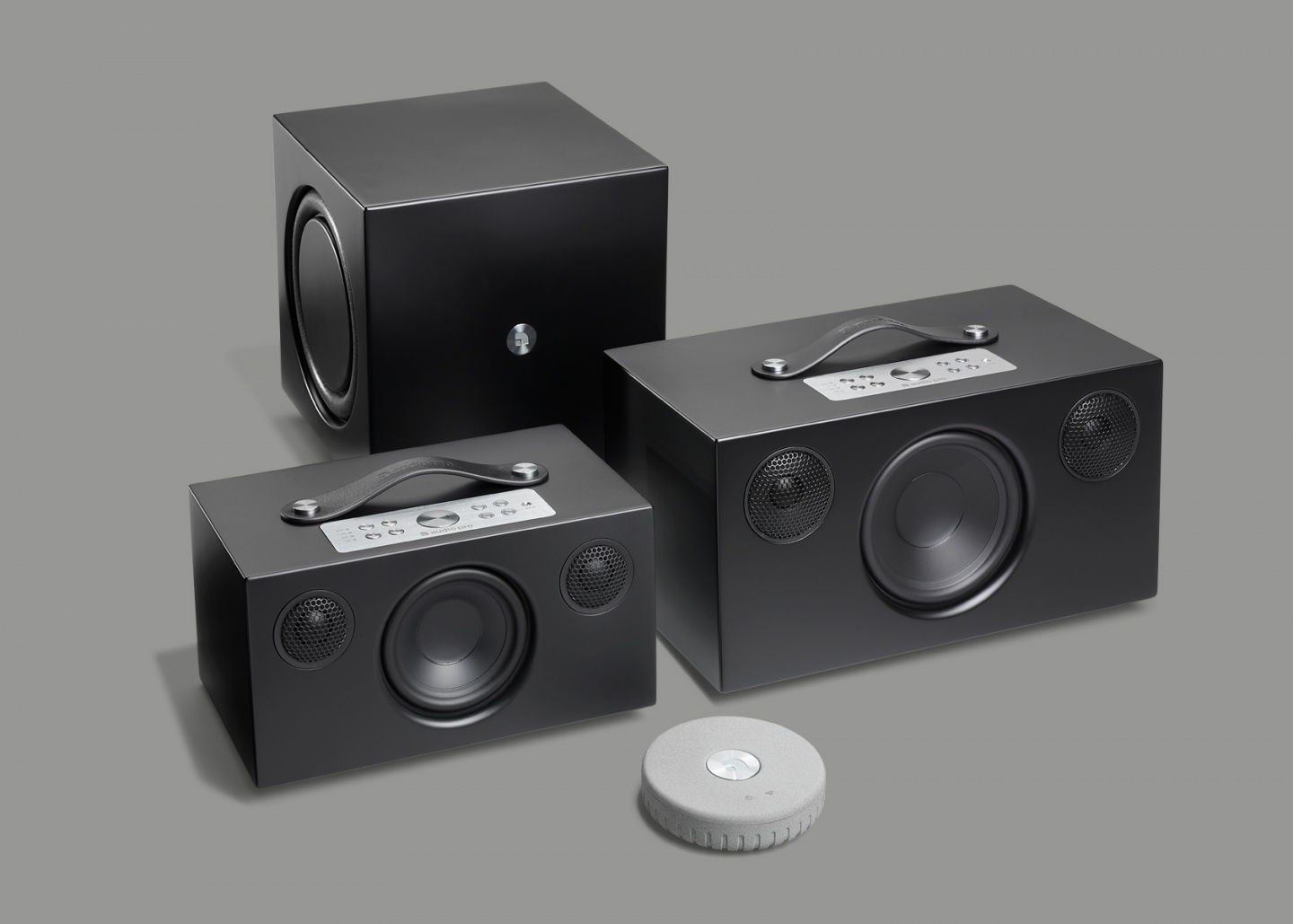
The Pure Jongo system will soon consist of three devices. This, the previously launched Jongo S3 and the upcoming Jongo T6.

With the new streaming adapter, Jongo A2, you can play music on your existing Hi-Fi-system.

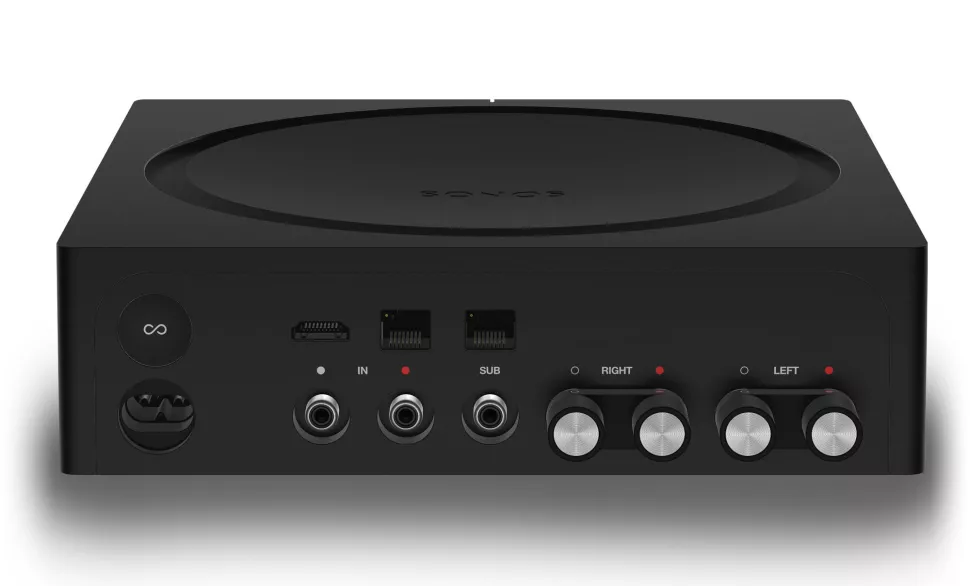
You connect the adapter to the Hi-Fi system with SPDIF (digital optical or coaxial) or analog left and right connector.

JongoA2Back

The adapter is controlled with the Pure connect app on either iPhone or Android where you select the output zone (adapter) and the music source (local mp3s, internet radio stations or the Pure Music service).

The music is then sent to the streaming adapter by Wi-Fi. Music can also be sent to the adapter through Bluetooth and in that case the sources are pretty much all music on the device but Bluetooth has it´s range limits.

From a hardware functionality perspective, the Pure Jongo A2 is comparable to Sonos Connect that is 2.5 times more expensive. But the Pure Jongo system can’t compete with Sonos when it comes to software functionality. Sonos has for instance support for Spotify and many other third party services where Pure Jongo has support for its own streaming service and internet radio stations.

So if the requirements are limited to playing local network mp3:s, internet radio stations and Pure Music, it´s great. Otherwise, look at the options.

Sonos PLAYBAR

playbar

PLAYBAR´s main purpose is to deliver high quality HIFI sound for the TV, instead of the TV speakers. Either you connect the TV to the PLAYBAR with the included optical wire

It can also be used as a standard Sonos unit that plays the usual Sonos music sources.

PLAYBAR consists of 9 amplified speakers. Six mid woofers and three tweeters.

It has an accelerometer to detect orientation and adjust EQ. Thus will a wall mounted PLAYBAR have more bass so low-frequency tones are reduced.

PLAYBAR decodes formats like Dolby Digital 2.0, Dolby Digital 5.1 and PCM. It does not decode HD formats which cannot even be transferred to it due to the lack of an HDMI contact.

PLAYBAR has 3.0 audio on it´s own. It has 3.1 audio when paired with a SUB and 5.1 audio when paired with two PLAY:3s and a SUB.

You control it with the standard Sonos app or with the TV remote (it´s compatible with most IR-remotes).

Multiroom goes crowd-funding with the Olive One

Olive One

With the promise of delivering much of what a multiroom experience should be for a decent price, Olive One has hit the indiegogo.com crowd-funding site with the goal of raising at least $200 000 and ultimately going after $1000 000. With 16 days to go, they have raised $225 276, so hundreds of backers should receive a Olive One in July this year.

The Olive One has these stated features:
* Bluetooth 4
* WiFi, WiFi direct and WiFi Miracast
* UPnP/DLNA
* Optional harddrive
* Pandora
* Play Youtube music videos
* 7-inch LCD touchscreen
* 32-bit/384kHz Burr-Brown DAC
* 2 x 32 watt (8 Ohm) dual-mono amps
* MP3, FLAC, ALAC, WAV, AIFF, and iTunes support
* App control via iPhone/iPad, Android and later windows phone 8
* They state support for cloud services like Amazon Locker, iTunes Match and Google Play.
* It will learn from your listening and probably adapts its gui. It don´t say in detail .
* Can be connected to Social networks where listening is tweeted and shared.
* Use the Olive Home Cloud Service to access all the music on your ONE, anywhere in the world. No monthly subscription fee.
* Add time-shifting to your internet radio. Play, pause, forward and rewind at any time. Or schedule recordings of your favorite show. Try this with your radio at home!
* Automatically sync ONE with your music libraries on your PC or Mac.
* Hand built in the USA.

The Olive One lacks these features for now:
* AirPlay.
* Native Spotify support.

The design and specs looks good and they state that working prototypes exist with the software almost done. So even if one cant help to wonder how all of this should be accomplished in such a short time and with such a small budget, it could probably be done. If these devices are shipped on time, with these features, it will be an impressive accomplishment.

Sonos plays local iOS music

With their latest firmware, Sonos has enabled the streaming of music stored on  an iOS device to the Sonos system. Locally stored  iTunes music is now a source among others that can be played on Sonos. The supported file types are MP3, AAC, and Apple Loss-less (M4A). AIFF is not supported at this time. iOS 6 is required.

Steps to get started:

  1. Update your Sonos software and your Sonos Controller Apps via the App Store to Sonos System Software 3.8.3
  2. Ensure your iPhone is on the home wireless network, then launch the Sonos Controller App.
  3. Go to the main music menu. You’ll now see all of your iOS devices’ music, playlists and podcasts all available as a music source under “This iPhone/This iPad/This iPod.”

Hand on with Xbox Music

Microsoft has recently launched Windows 8, Xbox Music (service and apps) and SmartGlass (app on Android/iOS/Windows 8 and Windows Phone 8). The Xbox software has also been updated. But how well do these building blocks work together to enable care free music playing in one or multiple rooms? To my help i have two Xboxes connected to receivers, a Windows 8 PC and a Samsung Galaxy S3 Android phone.

Register a Xbox Music account

I have a computer with windows 8 that i login on with my windows live account.
Press Music on the Windows 8 start screen to go to Xbox Music app. Once there, press the “Try Xbox Music pass” button and register your preferred account type. USA, UK and some more countries has a free streaming option besides the paid subscriptions.

Xbox Music start

Windows 8

The Windows 8 app has a fresh GUI and it is easy to browse genres for new music (bump Spotify). There is also a search artist function with auto complete. When you click on an artist, a random song start to play and you then have to click on that song and then scroll far to the right in order to see all albums for that artist. I wold prefer if the albums where shown directly. Anyway, connect your PC to a receiver and you will have a great audio experience.

Xbox Music search

Xbox

Start Xbox and sign in to live (a gold subscription is required). I use the same live account on both Windows 8 and Xbox, which enables Xbox to map my Music pass automatically. On the dashboard, go to the music main menu and then press Xbox Music. The app loads and you are ready to play music, which is pretty straight forward using the Xbox controller.
Xbox Dashboard

SmartGlass

Launch SmartGlass on your phone, login and then select Xbox music to get to the Xbox music start screen. I use a Galaxy S3.

If a song is playing, it shows directly on the Xbox SmartGlass home screen.
SmartGlass dashboard start

From a music playing perspective, SmartGlass does not compare well with controller apps for Sonos and Squeezebox. The GUI lacks logical trails and you can for instance tap a album and list its content without the ability to play the songs in it.
SmartGlass list album

The easiest way is probably to define playlists in Windows 8 and then consume them on the Xbox. The SmartGlass app does not work well for music browsing at this point.

The now playing mode does not show album art and is designed to work together with the LCD screen.
SmartGlass Controller

Multi-room

When i login to my second Xbox i immediately get logged out of the first Xbox thus eliminating any possibility of remoting more than one zone at a time. To switch zone you have to go and physically login on that Xbox/zone and then start to remote it. SmartGlass cant remote windows 8 so it is impossible to control Xbox Music on the computer remotely (No, remote desktop is not qualified in this setting..). So a true multi-room setup, like Sonos, is impossible.

Conclusion

Xbox Music has a good music catalog and works great as long as you do not want more than to play music through the Windows 8 app or on a single Xbox. A true multi-room setup is unfortunately impossible at this time.The SmartGlass app could be more logically built, just start the Sonos controller and compare, ouch. Granted, SmartGlass can do so much more than to just play music but that should not stop a more logical gui on the music section. A audio level control would be nice to have also.

Pure Jongo

Jongo speakers

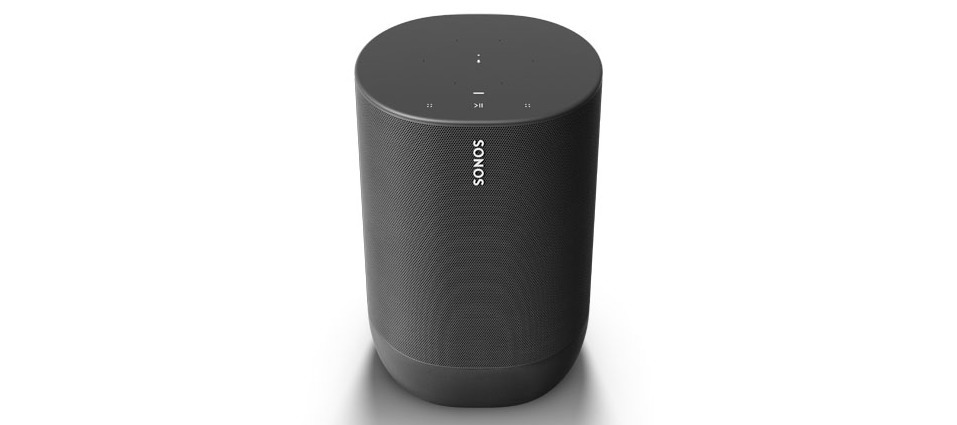
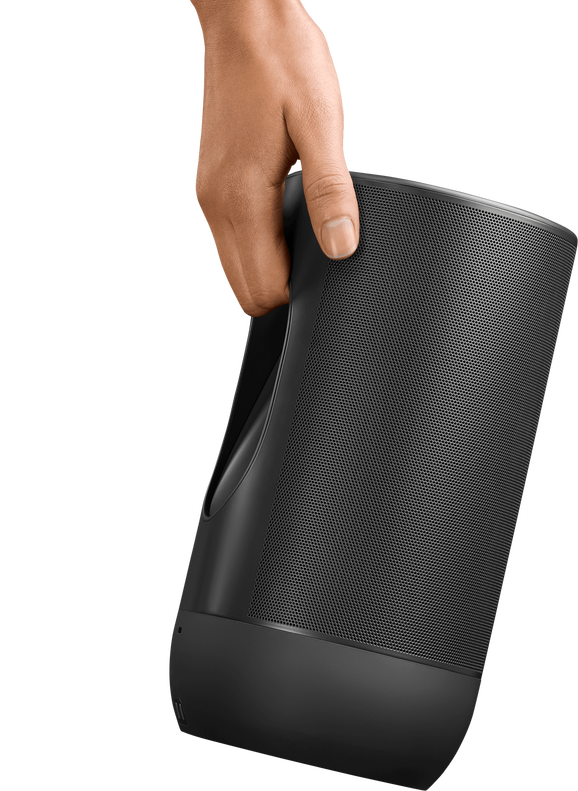
Pure has released the beginning of their new multi-room product line, Jongo. The first product out is the multi-room speaker S340B for 150£. Pure has a Sonos style approach where you use an iPhone or Android app to play music from online services, local network music and Internet radio. The online services part seems to be limited to their own Spotify style music service, Pure Music, which has a competitive price of 4.99£ per month. Pure Music seems to be limited to Europe and Australia for now. S340B has a built-in rechargeable battery pack that enables mobile use.

Jongo seems like a ambitions attempt to enter the multi-room arena. The basic building blocks is in place and it has a competitive price. Some things that would make it even better is:

  • Support for third party services like Pandora, Rdio and Spotify.
  • Pure Music in the USA.
  • A unit with digital out for integration with existing home audio systems.

Early look of Xbox Music, including pricing

Pictures of the coming update to the Xbox Dashboard reveals many interesting things. Synchronized playlists will be stored in the Cloud. The service will offer a free 14 day trial period. The paid subscriptions can be paid per month (£8.99, probably $8.99 in the USA), or per year (£89.90, probably $89.90 in the USA). A subscription gives unlimited access to 30 millions of tracks, to stream and also download to the Microsoft platforms: Xbox, Windows PC, and Windows Phone. The system’s UI follows the looks of Windows Metro style. The on screen keyboard is navigable from a Xbox controller, which often is a rather painful experience compared to a keyboard. The launch will probably be around the Windows 8 launch next month.

Some key requirements that would help Xbox Music to be a success:

  • Streaming to multiple zones at the same time.
  • Controller apps for iPhone and Android.
  • Full player apps on iPhone and Android in order to compete with Spotify.

Logitech drops Squeezebox and launches UE

UE Smart RadioIn a surprise announcement, Logitech disconnects its Squeezebox line of products. Moving forward, Logitech will not develop solutions that are backwards compatible with Squeezebox. Instead they now make a fresh start with a more streamlined system that installs easy and has a updated UI.

Logitech has bundled a bunch of products under the UE brand (headphones, bluetooth speakers, air play speakers..) but we will focus on the streaming part.

UE Smart Radio is part of a new eco system for multi-room streaming from Logitech. The eco system consists of:

* A cloud service back-end system that serves the Smart Radio with requested content.
* A iPhone/iPad/Android remote app
* The UE Smart Radio that can play services like Spotify, Internet Radio stations and local network audio.
* Optional UE Music Library service on a local computer/NAS to enable local network audio.

More details about UE Smart Radio.

The Radio works fine in a multi-room setting with different radios representing different zones.

Current Squeezebox Radios can be upgraded to the UE Smart Radio software in a few months.

Even though the Smart Radio is a competent device, it does not serve everybody´s needs, primarily due to the lack of a digital audio output. That was covered in the Squeezebox lineup by the Squeezebox Touch, which complemented the Radio wery well. Logitech has not announced any device to fill this gap but a Logitech engineer has more or less confirmed that a replacement digital out is coming in a forum post.

Update 28/9
Logitechs product director, Ariel Fischer, has made a blog post where he clarifies that the Squeezebox products and services (mysqueezebox.com, controller apps) will continue to be supported.

AirPlay with Raspberry Pi

Raspberry Pi can be used as a powerful zone player for AirPlay. It has a low pricetag of 49.95$ (or £39.35), both digital and analog audio output and the power consumption is only 3.5 Watts.

Even though it is a computer, it only requires a screen during installation. Then simply place it where you want an audio zone, connect the audio out to a receiver or directly to compatible speakers.

So lets go through some basic info about the Raspberry Pi and then the Raspbmc image.

Raspberry Pi, the basics

The Raspberry Pi is a credit-card sized computer running an ARM11 700mhz processor and a powerfull GPU capable of BluRay quality playback and digital audio through HDMI (or analog audio through 3.5mm). It has a ethernet port and USB 2.0. It can use various Linux distros for OS including the Raspbmc distro with AirPlay.
RaspberryPi chip

Raspbmc

Raspbmc is a minimal Linux distribution based on Debian that basically turns Raspberry Pi into a XBMC frontend. No knowledge of Linux is needed and the XBMC GUI is lauched at system startup. It is installed with a few clicks from a Mac or a PC.

Raspbmc auto updates so you will constantly get new features, performance and driver updates (can be turned off). Access audio or video sources over NFS, SMB, FTP and HTTP. And most importantly, AirPlay and AirTunes support that allows you to send music and video from an iPhone/iPad to the system. XBMC itself has many additional plug-ins, for instance the virtual Squeezebox player XSqueeze. XBMC can be remoted from various apps, like XBMC Constellation and XBMC Commander.

Raspbmc also lets you overclock the processor up to 1.5Ghz.

Check out the installation instructions.

Conclusion

You can get seven Raspberry Pi for the price of one Sonos Connect. You would then also have the ability to play 1080p movies and the XBMC extendability. The price/performance ratio is great. Raspberry Pi is definitely worth considering when planing a multi-room solution.

Sonos SUB

Sonos is deepening its music offering with a sub-woofer, named Sonos SUB.
Sonos is promising that the SUB will “fill any room with thick layers of bottomless sound”. And it will “ let you hear and feel the weight of every chord, kick, splash and roll”, so prepare to be subbed :)

Sonos SUB

The SUB can, just like the play 3 and play 5, be placed anywhere in a room, it uses Sonos own wireless system to sync with the other units. The install is simple: Plug it into a power source, press the setup button and answer some prompts on your controler.

The SUB works with all Sonos amplified components: CONNECT:AMP; PLAY:5; PLAY:3. It does not work with the non-amplified Sonos CONNECT.

Launching on June 19, the SUB is available in a high-gloss black lacquer finish for $699 USD ($749 CAD, £699 EU, £599 UK). A black matte version will be available in September 2012 for $599 USD ($649 CAD, £599 EU, £499 UK).